
The longer the script gets, the harder it is to decide what each section should become on screen.
Desktop AI Storyboard Agent
Give MkBoard a script. It breaks it into shots, generates an editable storyboard, and keeps moving it toward an AI-edited video draft.

Why an Agent
Many projects do not get stuck because the idea is weak. They get stuck because nobody is breaking down the script, managing assets, or pushing the storyboard toward the next draft.
The longer the script gets, the harder it is to decide what each section should become on screen.
References, character images, and generated outputs live across chats and folders.

A static board helps planning, but the video draft still has to start somewhere else.
Agent from script to board
You provide the script and assets. MkBoard plans the shot structure, generates an editable storyboard, and keeps moving the work toward a video draft.
Start with narration, story beats, course notes, or ad copy.
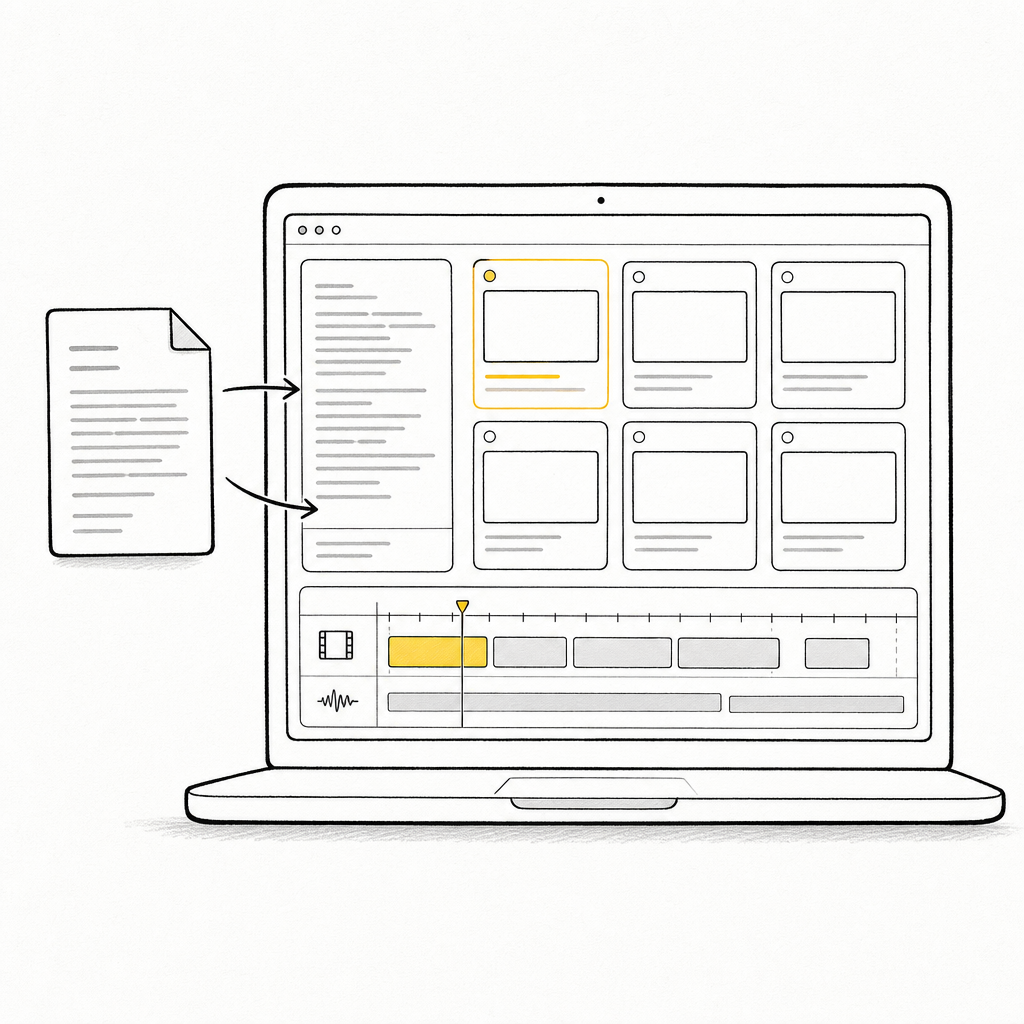
It reads sections, pacing, and visual intent, then creates an editable shot structure.

Use the storyboard as the base for an AI-edited draft.
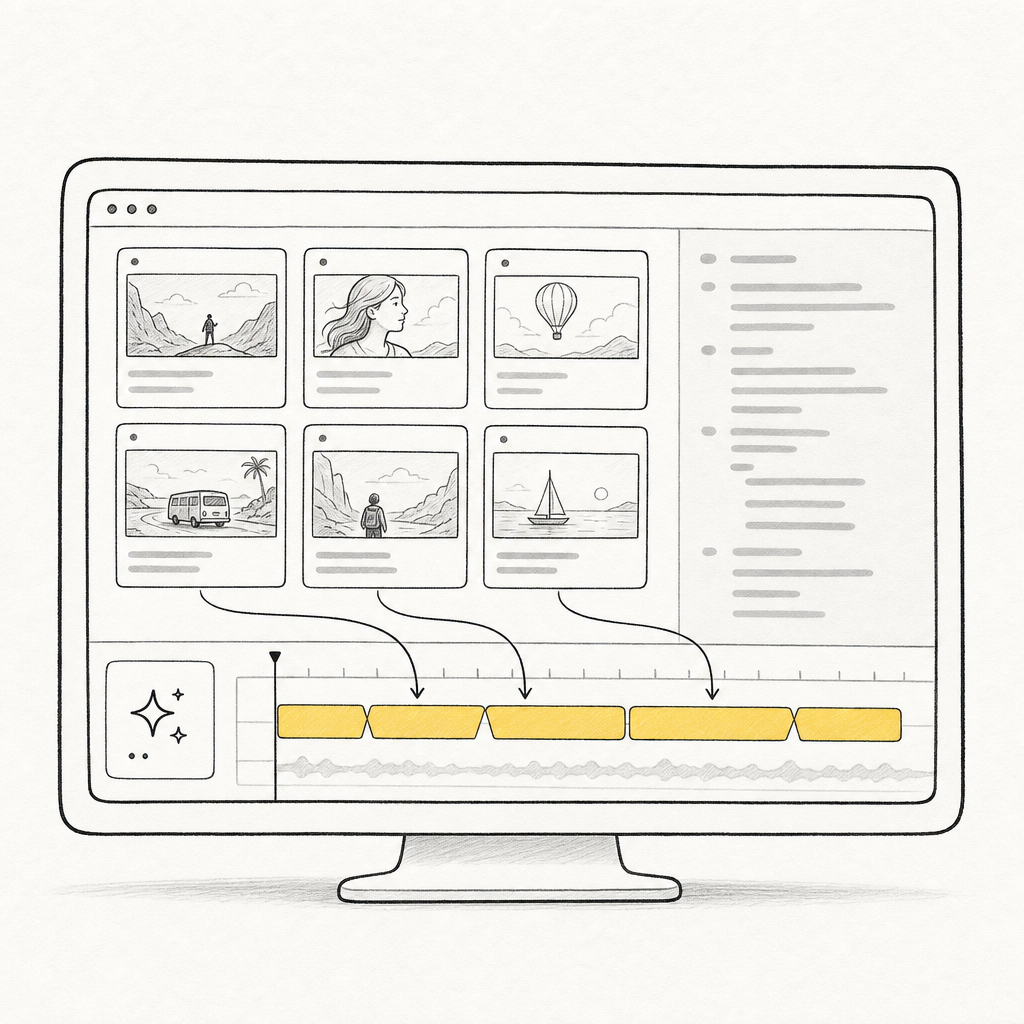
Adjust shots, assets, and pacing before sharing the version.
Core Agent capabilities
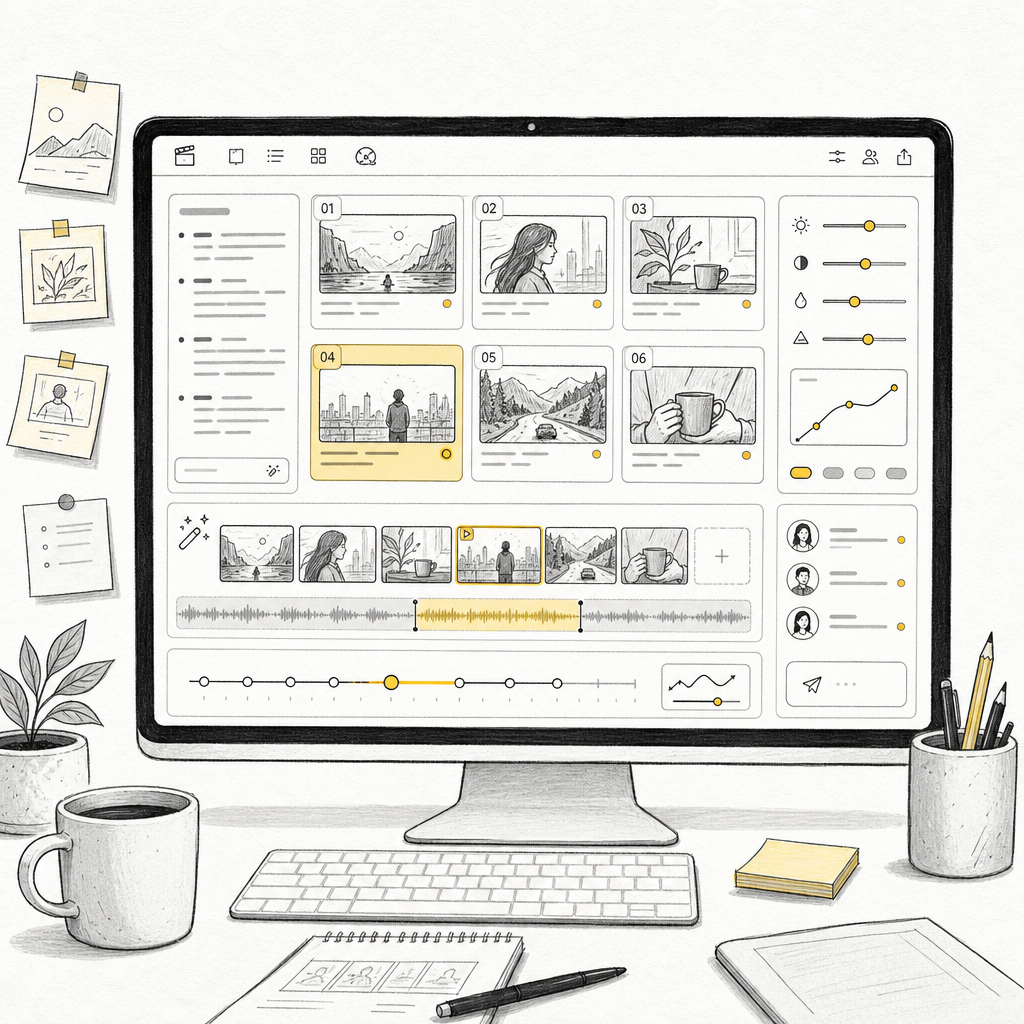
MkBoard turns scripts into controllable storyboards, then keeps pushing the storyboard toward an AI-edited draft.
Give it a script or idea. The Agent creates editable shots with visual notes, timing, and structure.

Continue from the generated storyboard into an editable video draft, instead of stopping at static frames.

Why a desktop Agent
Real projects involve many files, long scripts, multiple versions, and repeated changes. MkBoard keeps the Agent, scripts, assets, and storyboard preview in one desktop window.

Who it is for
MkBoard does not force you into a heavy studio process. It gives solo creators and small teams an Agent that structures what to shoot, what to generate, and what to show others.
Let the Agent split a script into hook, turn, proof, and closing shots.

Let the Agent organize characters, scenes, actions, and visual prompts.

Let the Agent plan narration segments, B-roll, and explanatory visuals.

Turn ideas, product points, and shot order into a board people can discuss.

Choosing an AI Storyboard Agent
For many video, course, and ad projects, the point is not static frames. It is having the Agent clarify each shot's purpose, content, and visual relationship.
Chat can suggest ideas, but it does not keep assets, shot order, and share previews in one durable workflow. MkBoard is structured around shots.
When you are sorting local files, revising long scripts, and reviewing a whole board, a focused desktop window is steadier than a temporary web page.
FAQ
It reads a script, breaks it into a shot structure, generates an editable storyboard, and keeps moving the board toward an AI-edited video draft.
No. MkBoard keeps the process controllable: the Agent creates the board and draft, then you refine shots, assets, pacing, and sharing.
Yes. Start with text. The Agent can organize narration, visuals, notes, and references before you add images or generated outputs.
Storyboarding often involves local assets, long scripts, and repeated revisions. A desktop app gives the Agent a steadier place to read, organize, and preview project context.
Yes. You can publish a read-only page so others can review the board without installing MkBoard, then disable the link later.
MkBoard currently supports Apple silicon Macs only. Intel Macs are not supported yet, and Windows is coming soon.